
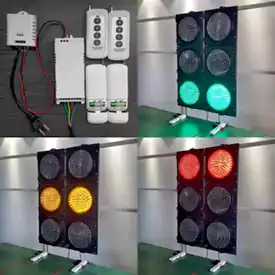
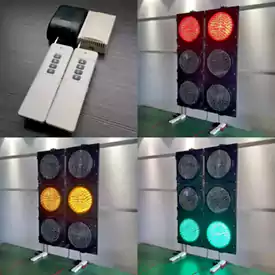
Match the remote control to the receiving equipment
The catalogue lists four-output, four-button remote-control configurations. Button count alone is not enough to establish compatibility with a signal or an existing controller. Identify the receiving equipment and the action required from each button before selecting a set.
For an existing installation, provide the controller or receiver model, electrical supply and current connection drawing. For a new system, describe the required commands and how manual control should relate to the normal operating sequence. Keep the remote transmitter, receiving unit and output interface clearly identified in the quotation.
Information to confirm
- Command mapping: list what each button should request and how the operator confirms the selected mode.
- Electrical interface: ask for the receiver output type, wiring information and compatible load or controller input.
- Site conditions: describe obstructions, operator position and the required working area for review.
- Replacement and service: ask how paired units are identified and what is included if only a transmitter or receiver is ordered.
Include the selected product link, quantity and destination in your project enquiry. Ask for the drawing and technical information for that exact configuration before confirming the order.
Keep the command map with the receiver reference
For the four-button configurations listed here, prepare a table that names each requested command and the expected controller response. The table should distinguish a command from a directly switched lamp output. Share it with the receiving-equipment reference so the proposed interface can be reviewed without relying on button count alone.
If the enquiry is for a spare handset, identify the receiver already installed and ask how the replacement is paired. If it is for a complete set, list the handset, receiver, enclosure and connection items required. Keep the approved command table with the operating instructions so maintenance staff can identify the intended configuration when a component is replaced.